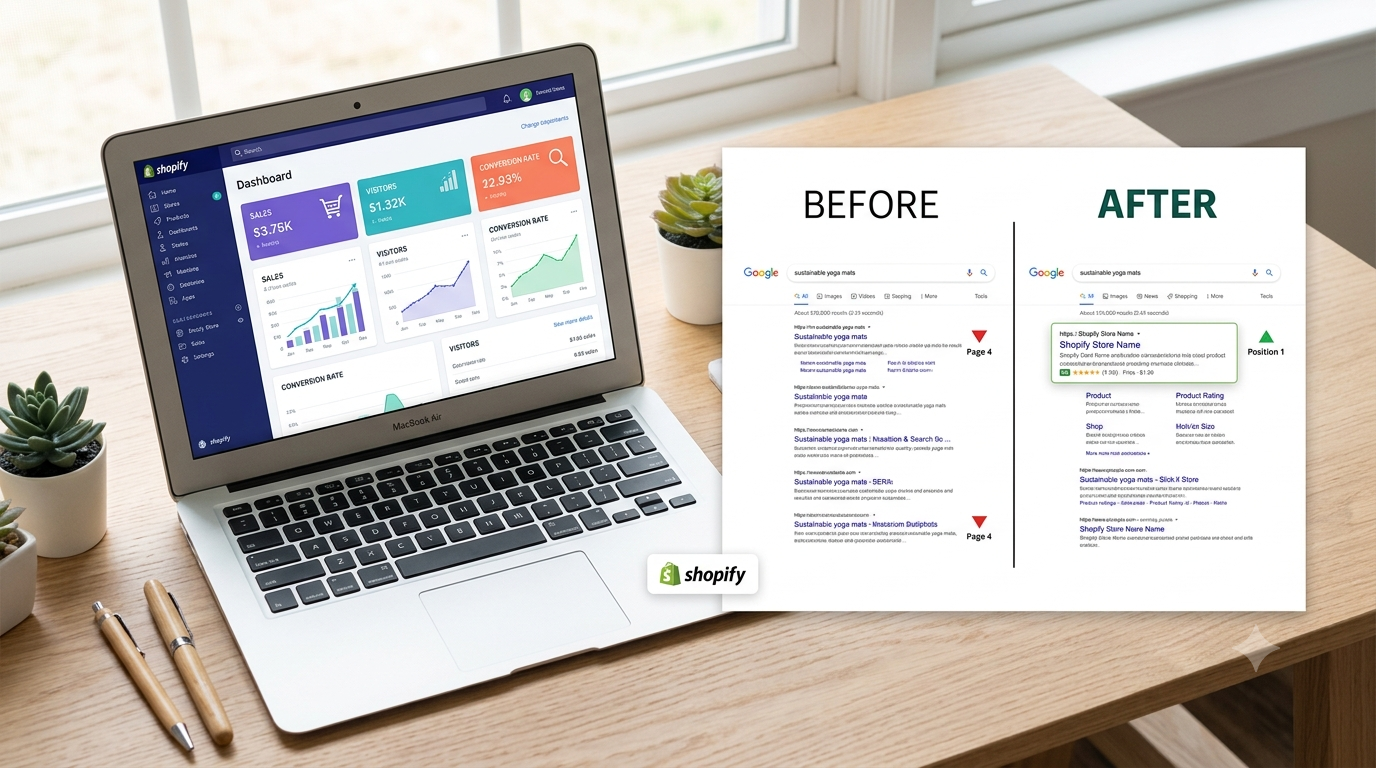
Your store looks great. Your products are solid. But when someone Googles what you sell, you're nowhere on page one, and your competitor with a worse product is sitting at the top.
That's not bad luck. It's SEO. And the good news is that Shopify SEO isn't some mysterious black box; it's a set of specific, learnable steps that most store owners simply never do.
In this guide, we'll walk through exactly what to fix on your Shopify store to start ranking higher on Google, in plain English, with zero coding jargon.
Why Shopify SEO Matters More Than You Think
Paid ads stop working the second you stop paying. SEO keeps sending traffic long after you've done the work.
A well-optimized Shopify store gets free, compounding traffic from people already searching for what you sell. That means:
- Lower customer acquisition cost over time
- Traffic that converts better (they searched for you, you didn't chase them)
- Long-term brand visibility that ads can't buy
The catch? Shopify SEO has some quirks that generic "SEO tips" articles don't cover — like duplicate collection pages, slow apps, and theme code that search engines struggle to read.
Step 1: Fix Your Site Structure First
Before writing a single blog post, make sure Google can actually understand your store.
Clean Up Your URLs
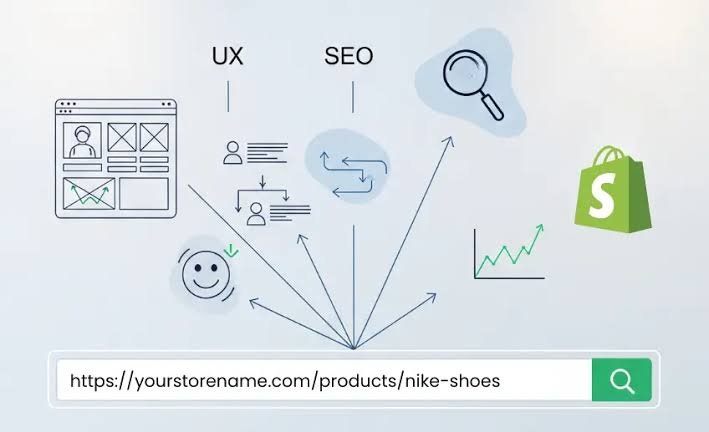
Shopify auto-generates URLs, but they're often messy. Instead of:
yourstore.com/products/blue-cotton-t-shirt-mens-size-large-2024-new-collection
Aim for:
yourstore.com/products/mens-blue-cotton-t-shirt
Shorter, keyword-clear URLs are easier for Google to rank and easier for customers to trust when they see the link.
Avoid Duplicate Content
Shopify collections often create duplicate versions of the same page through filters and sorting. This confuses Google about which page to rank, quietly hurting your rankings.
This is one of the most common Shopify SEO issues we fix during store audits — most owners don't even know it's happening.
Step 2: Do Keyword Research Like a Store Owner, Not an SEO Nerd
You don't need fancy tools to start. Think like your customer:
- What would they type into Google to find your product?
- What problem does your product solve for them?
- What words do they use — not the words you use internally?
Example: A candle brand might assume people search "artisan soy candles." But real search data often shows people type "candles that smell like a bakery" or "candles for anxiety." Matching real language beats matching your own branding.
Use free tools like Google's autocomplete, "People also ask," and Google Search Console (once installed) to see what's actually being searched.
Step 3: Optimize Product and Collection Pages
This is where most Shopify stores lose the most SEO points, and it's fully within your control.
For every product page, make sure you have:
- A unique title tag using your main keyword naturally
- A meta description that makes someone want to click
- A real product description (not just the manufacturer's copy-pasted text)
- Descriptive image alt text — Google can't "see" images; it reads the alt text
- Customer reviews — fresh, unique content Google loves
| Approach | Pros | Cons |
|---|---|---|
| SEO App (e.g. product description generators, alt-text tools) | Fast, beginner-friendly, good for small catalogs | Can produce generic copy, limited customization |
| Custom Optimization (professionally written/structured) | Tailored to your brand, stronger long-term rankings, built to match search intent | Takes more upfront time or requires an expert |
For most growing brands, a mix works best: apps to handle the basics, and custom optimization on your top revenue-driving pages.
Step 4: Speed Is an SEO Factor Too
Google ranks fast sites higher, and slow sites lose customers before they even see your product.
Common Shopify speed killers:
- Too many apps running at once
- Oversized, uncompressed images
- Bloated theme code
We cover this in more depth in another Heaven Tech guide on Shopify site speed optimization, but the short version: audit your apps regularly and compress every image before uploading.
Step 5: Build Content That Actually Answers Questions
Blogging isn't just for media companies. A Shopify blog that answers real customer questions helps you rank for searches your product pages never could.
Mini example: A skincare brand selling acne treatment created a blog post titled "Why Does My Acne Get Worse Before It Gets Better?" It now ranks on page one and drives consistent traffic straight to their product page without a single ad dollar spent.
Good blog topics come from:
- Questions customers ask in support emails
- "People also ask" boxes on Google
- Comparison questions ("X vs Y")
Step 6: Track What's Working
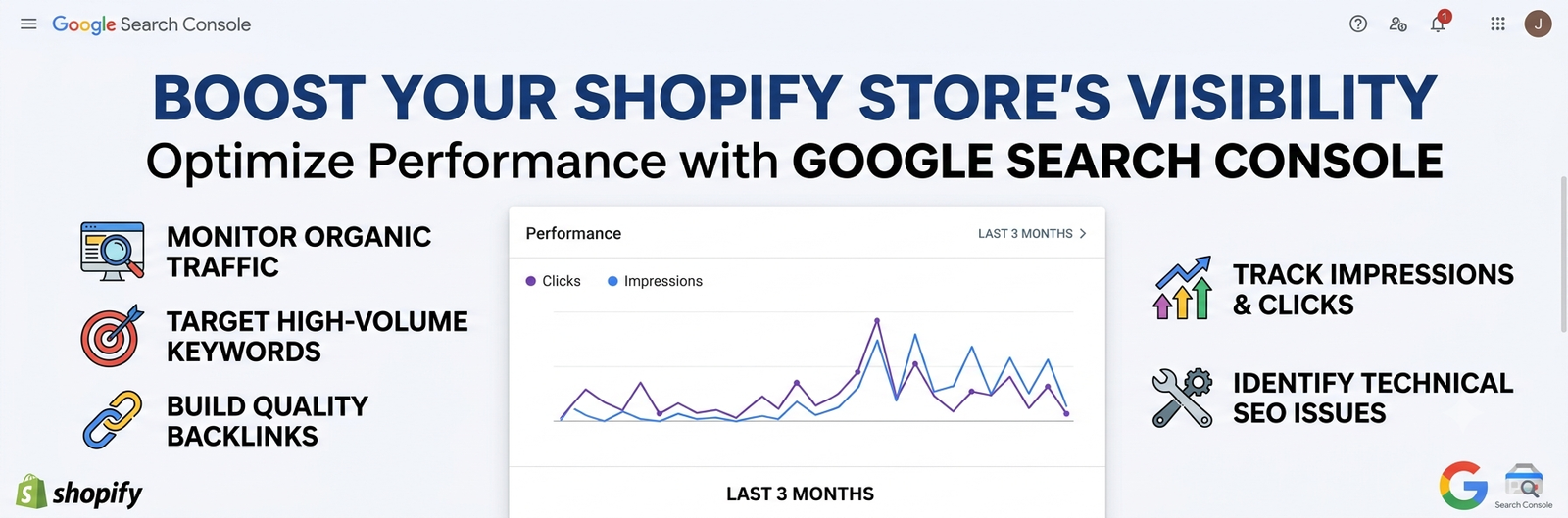
SEO isn't "set and forget." Install Google Search Console and check monthly:
- Which pages are gaining or losing rankings
- Which keywords are bringing in clicks
- Which pages have errors Google flagged
Small, consistent adjustments beat one big overhaul.
Comments (0)
Leave a comment