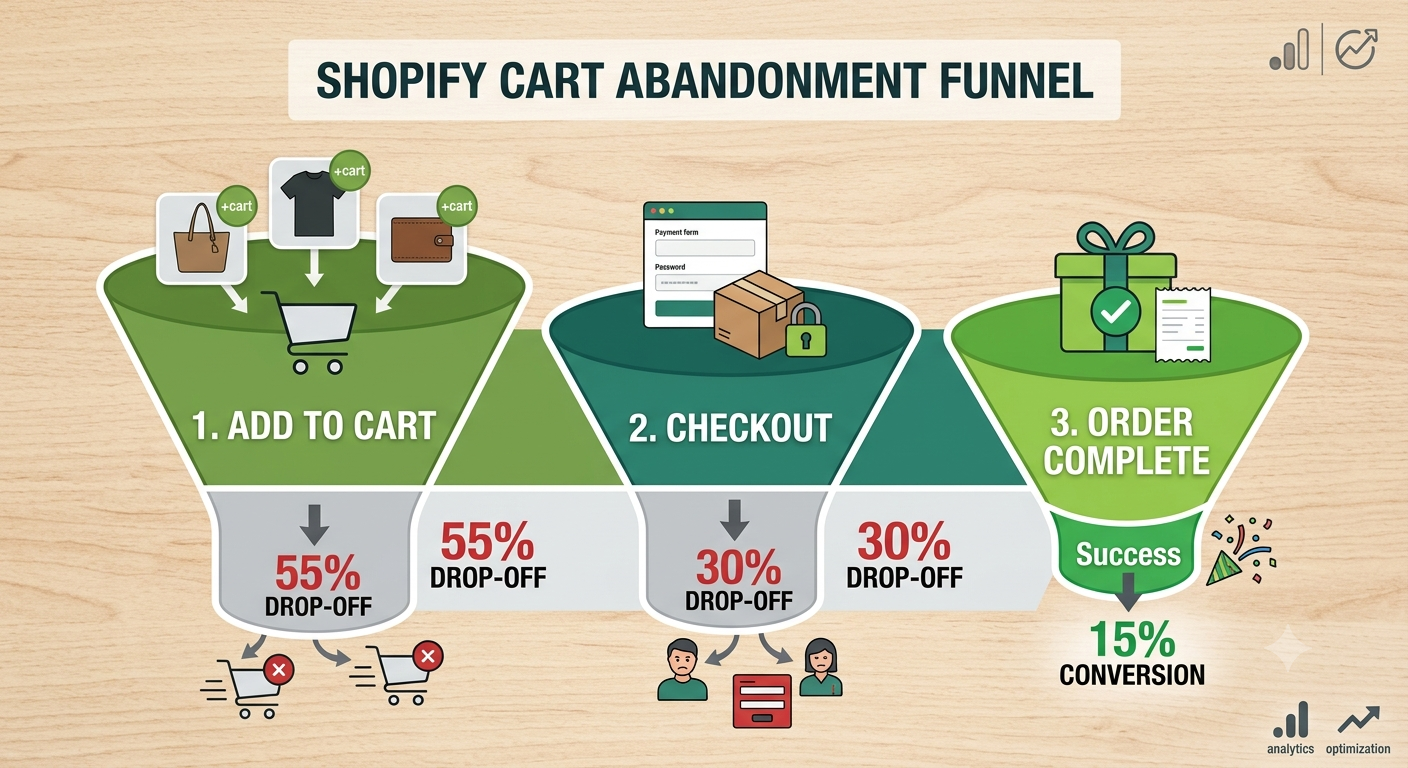
Nearly 7 out of 10 shoppers add something to their cart and then... vanish. No purchase, no email, no warning. If that number feels painfully familiar, you're not doing anything wrong you're just experiencing the most common (and most fixable) problem in eCommerce.
The good news? Cart abandonment isn't a mystery. It almost always comes down to a handful of friction points that are easy to spot once you know where to look.
In this guide, we'll walk through exactly how to reduce cart abandonment on Shopify — with practical fixes you can implement this week, no developer required.
Why Shoppers Abandon Their Carts
Before fixing the problem, it helps to know what's actually causing it. The top reasons shoppers abandon carts on Shopify stores include:
- Unexpected costs at checkout (shipping, taxes, fees)
- Forced account creation before they can buy
- Slow page load times, especially on mobile
- Limited payment options
- Confusing or multi-step checkout processes
- Lack of trust signals (no reviews, no security badges)
The pattern here is simple: friction kills sales. Every extra click, every surprise charge, every second of loading time gives a customer a reason to leave.
1. Be Upfront About Costs
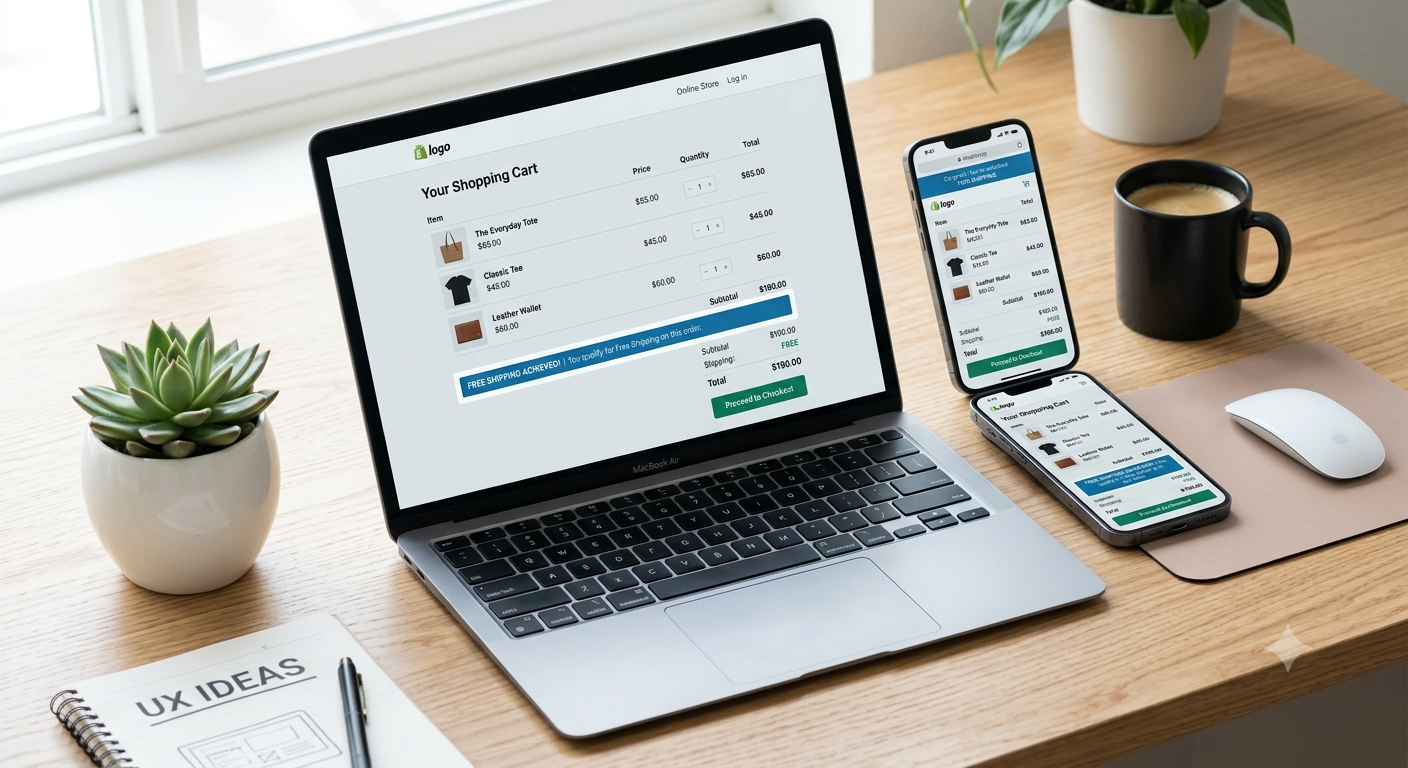
Surprise shipping fees are the single biggest cause of cart abandonment. Shoppers add an item expecting one price, then bail when the total jumps at checkout.
Fix it by:
- Showing shipping costs (or a free shipping threshold) on the product page
- Adding a shipping calculator widget in the cart
- Being transparent about taxes and fees before checkout, not during
A simple banner like "Free shipping on orders over $50" set early in the journey can meaningfully lift conversion rates — it removes the guesswork before it becomes a dealbreaker.
2. Simplify Your Checkout Flow
The fewer steps between "Add to Cart" and "Order Confirmed," the better. Shopify's native checkout is already optimized, but many stores unintentionally add friction with extra fields, redundant confirmation steps, or clunky apps.
Enable Guest Checkout
Forcing account creation is one of the fastest ways to lose a sale. Make sure guest checkout is turned on so customers can buy without committing to a login first.
Reduce Form Fields
Only ask for what you truly need. Every unnecessary field (phone number, company name, etc.) is a small excuse to abandon.
3. Offer Multiple Payment Options
Not everyone wants to pay the same way. Stores that offer flexible payment methods — including buy-now-pay-later options like Shop Pay Installments, Klarna, or Afterpay — consistently see fewer abandoned carts, especially on higher-priced items.
| Payment Method | Best For | Impact on Abandonment |
|---|---|---|
| Credit/Debit Card | All customers | Baseline |
| Shop Pay / Apple Pay | Mobile shoppers, speed | Reduces friction significantly |
| Buy Now, Pay Later | Higher-ticket items | Increases AOV, lowers abandonment |
| PayPal | Trust-conscious buyers | Adds credibility |
4. Recover Carts with Automated Emails
Even with a perfect checkout, some carts will still be abandoned — that's normal. The key is recovering them automatically instead of letting that revenue disappear.
Shopify lets you set up abandoned checkout emails natively, or you can use apps like Klaviyo for more advanced, multi-step flows.
A solid recovery sequence looks like:
Email 1: Sent 1 hour after abandonment
Subject: "You left something behind 👀"
Goal: Friendly reminder, no discount yet

Email 2: Sent 24 hours after abandonment
Subject: "Still thinking it over?"
Goal: Address objections, add social proof / reviews

Email 3: Sent 48-72 hours after abandonment
Subject: "Here's 10% off to complete your order"
Goal: Incentive to convert hesitant shoppers
Mini example: One Heaven Tech client selling skincare products implemented this exact 3-email sequence and recovered an additional 12% of abandoned carts within the first month — without changing anything else about their store.
5. Build Trust at the Cart and Checkout
Hesitation often comes down to trust, not price. Shoppers want reassurance before they hand over payment details.
Add these trust signals near your cart and checkout:
- Customer reviews or star ratings
- Security badges (SSL, payment icons)
- Clear return/refund policy link
- Real customer photos or testimonials
These small additions reduce the "is this site legit?" hesitation that quietly kills conversions.
6. Speed Up Your Store
A slow store is an abandoned cart waiting to happen — especially on mobile, where most Shopify traffic now comes from. Even a one-second delay in load time can noticeably hurt conversions.
Common speed killers include oversized images, too many apps, and bloated themes. We cover this in more depth in another Heaven Tech guide on Shopify speed optimization, but the short version: audit your apps regularly and compress every image before upload.
App vs. Custom Code: Which Should You Use?
| Approach | Pros | Cons | Best For |
|---|---|---|---|
| Shopify Apps (Klaviyo, ReConvert, etc.) | Fast to set up, no coding needed | Can slow down site if overused | Most store owners |
| Custom Code/Theme Edits | Tailored, faster, no app bloat | Requires expertise to do right | Stores ready to scale |
For most store owners, a mix of both works best: lightweight apps for automation, custom code for performance-critical areas. This is exactly the kind of strategic call our team makes for clients every day.
Comments (0)
Leave a comment