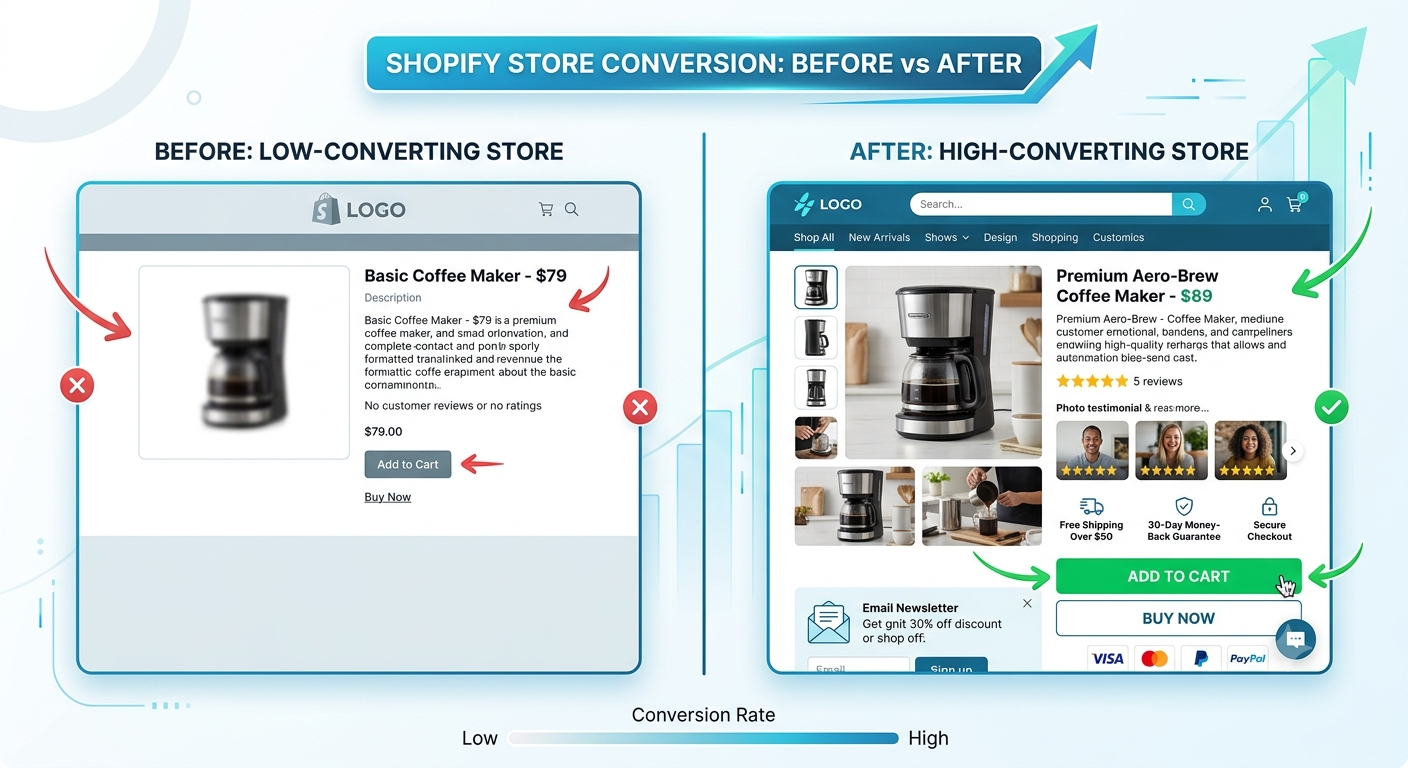
Most Shopify stores look fine on the surface. But "looking fine" and converting visitors into buyers are two very different things.
If you've set up your store, added your products, and turned on payments, that's just the beginning. The stores that consistently hit 3–5% conversion rates (and beyond) all share the same core features working quietly in the background, building trust, reducing friction, and nudging shoppers toward checkout.
The good news? These aren't secrets. They're the 10 must-have features every Shopify store needs, and once you have them in place, your store starts doing the heavy lifting for you.
1. A Fast, Mobile-First Theme
Over 70% of e-commerce traffic comes from mobile. If your store loads slowly or looks awkward on a phone, shoppers leave — and they don't come back.
Speed is now a ranking factor on Google, too, so a slow store costs you both traffic and conversions.
What to do:
- Use a lightweight, performance-optimised Shopify theme (Dawn, Prestige, or Impulse are solid picks)
- Compress all product images before uploading (tools like TinyPNG work great)
- Avoid stacking too many third-party apps — each one adds load time
Pro tip: Test your store's speed at PageSpeed Insights. Anything under 70 on mobile needs attention.
Want to go deeper on speed? Check out our Heaven Tech guide to Shopify speed optimisation for a full technical breakdown.
2. Trust Badges and Security Signals
Online shoppers are cautious — and rightfully so. They need to feel safe before they hand over their card details.
Add these trust signals above and near your checkout:
- SSL certificate (Shopify includes this, but make sure it's visible)
- Payment icons (Visa, Mastercard, PayPal, Apple Pay, etc.)
- Money-back guarantee or return policy badge
- Secure checkout badge
These small additions can meaningfully increase checkout completion. Don't underestimate them.
3. High-Quality Product Photography
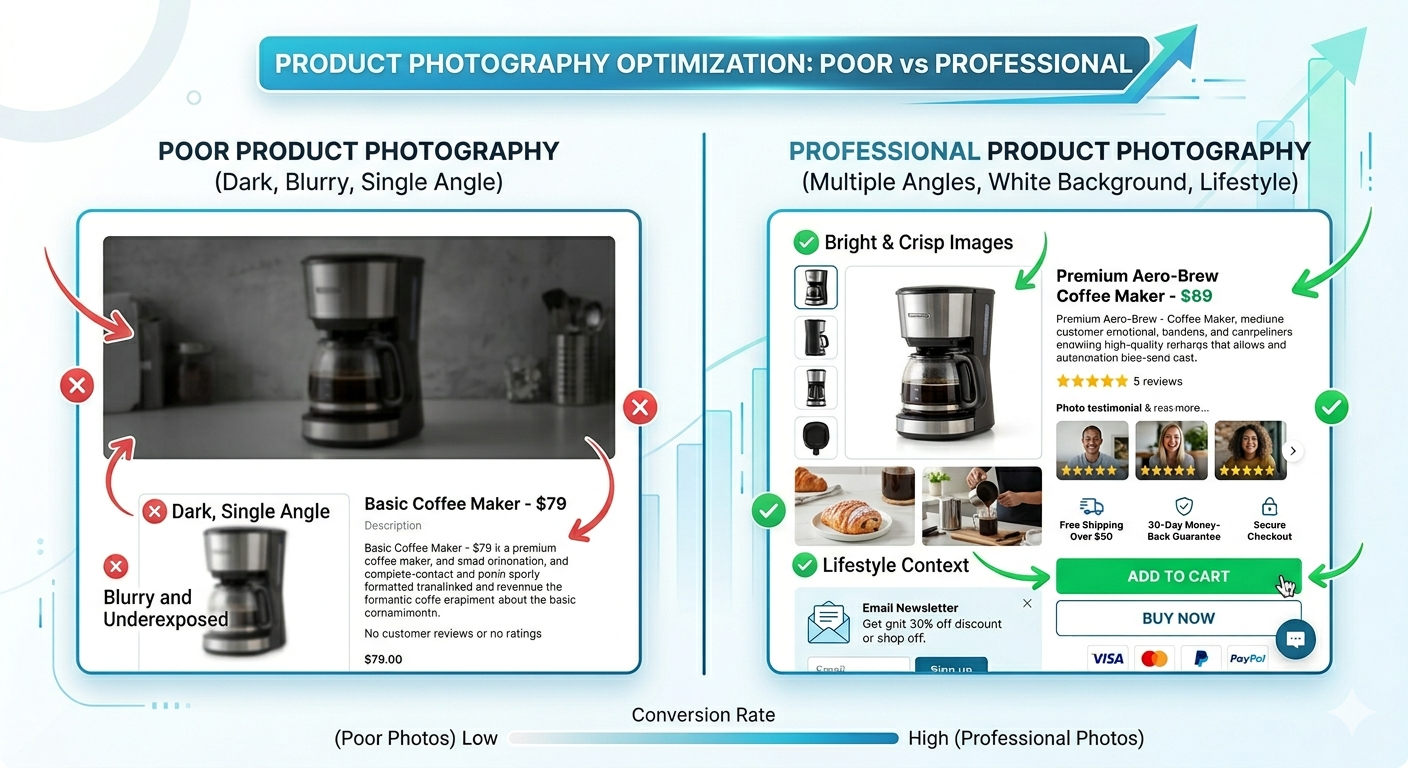
Your photos are doing the selling — your customers can't touch, smell, or try your product. If your images are blurry, dark, or inconsistent, you're losing sales.
Every product should have:
- A clean white/neutral background main image
- 3–5 additional angles or lifestyle shots
- A size reference or scale image, where relevant
- A zoom-in feature is enabled (built into most Shopify themes)
4. Clear, Compelling Product Descriptions
Most store owners write product descriptions that just describe the product. The stores that convert write descriptions that sell the outcome.
Structure that works:
- Lead with the benefit, not the feature ("Stays cold for 24 hours" beats "Double-walled insulation")
- Keep paragraphs short — 2–3 lines max
- Use bullet points for specs and key features
- Answer the top 3 questions a buyer would have before purchasing
Bad example: "This bag is made of 600D polyester and has a zip closure." Good example: "Carry everything you need, hands-free. Built from tough 600D polyester and a waterproof zip, this bag goes from gym to weekend away without missing a beat."
5. Customer Reviews and Social Proof
People trust other people more than they trust brands. Reviews are one of the highest-converting elements on any product page.
How to set this up on Shopify:
- Use an app like Judge.me (free) or Loox (photo reviews) to collect and display reviews
- Send automated post-purchase review request emails
- Display your star rating prominently near the product title
- Showcase user-generated content (customer photos) if you have them
Even 5–10 reviews can dramatically improve conversion. Start collecting them from day one.
6. Abandoned Cart Recovery
Around 70% of shoppers add something to their cart and leave without buying. Without a recovery system, that revenue is simply gone.
Shopify's built-in abandoned checkout emails are a start — but a dedicated flow through Klaviyo or Omnisend will recover significantly more.
A basic recovery sequence:
- Email 1: 1 hour after abandonment — friendly reminder, no discount
- Email 2: 24 hours later — address common objections (returns, sizing, etc.)
- Email 3: 48 hours later — optional small incentive (5–10% off)
This single feature alone can recover 5–15% of lost revenue for most stores.
7. A Sticky Add-to-Cart Button
This sounds simple, but it's one of the most overlooked conversion improvements.
On mobile especially, shoppers scroll down to read product details and reviews — and then have to scroll all the way back up to add to cart. A sticky (always-visible) Add to Cart button removes that friction entirely.
Here's a basic Liquid snippet you can add to your theme to test this:
<!-- Add to your product.liquid or main-product.liquid section -->
<div id="sticky-atc" class="sticky-atc-bar" style="
  position: fixed;
  bottom: 0;
  left: 0;
  right: 0;
  background: #fff;
  border-top: 1px solid #e0e0e0;
  padding: 12px 16px;
  z-index: 9999;
  display: none;
">
  <button
    type="submit"
    form="product-form"
    class="btn btn--primary btn--full"
  >
    Add to Cart
  </button>
</div>

<script>
  window.addEventListener('scroll', function () {
    var atcBtn = document.querySelector('.product-form__cart-submit');
    var stickyBar = document.getElementById('sticky-atc');
    if (atcBtn) {
      var rect = atcBtn.getBoundingClientRect();
      stickyBar.style.display = rect.bottom < 0 ? 'block' : 'none';
    }
  });
</script>
Note for store owners: This is a starting point; the exact implementation will vary by theme. At Heaven Tech, we tailor sticky CTAs to each store's theme and design system so it looks polished and converts well.
8. Smart Search and Easy Navigation
If a shopper can't find what they're looking for in under 10 seconds, they leave.
Navigation must-haves:
- A clean, logical menu structure (avoid hiding categories 3 levels deep)
- A search bar that's visible on every page, especially on mobile
- Filters on collection pages (size, colour, price, etc.)
- Breadcrumb navigation on product pages
Apps like Searchie or Boost Commerce can upgrade Shopify's native search to handle typos, synonyms, and predictive results — a big win for larger catalogues.
9. Upsells, Cross-Sells, and Bundles
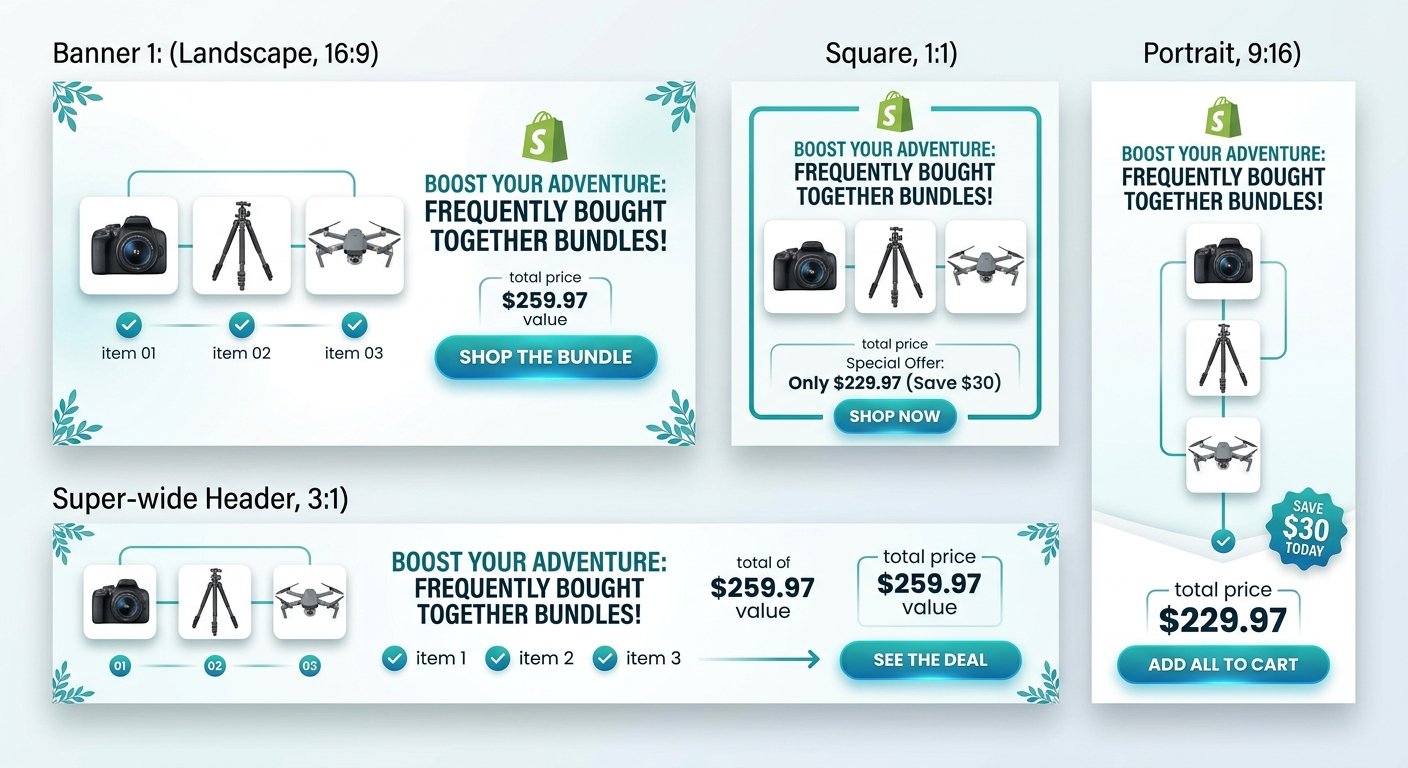
The easiest sale is one you make to someone already buying. Adding upsells and cross-sells at the right moment can increase your average order value (AOV) by 20–35%.
Where to add them:
| Placement | Best For | Example |
|---|---|---|
| Product page | Related products | "You might also like..." |
| Cart page | Low-cost add-ons | "Add this for just £4.99" |
| Post-purchase page | Impulse buys | "Add to your order before it ships" |
| Thank you page | Future orders | "Subscribe and save 10%" |
Apps like ReConvert or CartHook handle post-purchase upsells without any dev work.
10. A Streamlined Checkout Experience
You've done the hard work — the shopper is at checkout. Now is not the time to add friction.
Checkout optimisation checklist:
- Enable Shopify's one-page checkout (released in 2023 — make sure it's on)
- Offer multiple payment options: credit card, PayPal, Apple Pay, Buy Now Pay Later (Klarna, Clearpay)
- Show a progress indicator so shoppers know how many steps remain
- Display trust badges again near the payment button
- Allow guest checkout — don't force account creation
App vs Custom Code for checkout improvements:
| Improvement | App Option | Custom Code |
|---|---|---|
| Trust badges at checkout | Checkout Blocks (app) | Shopify Scripts (Plus only) |
| Upsell at checkout | Check out Upsell apps | Shopify Functions (dev needed) |
| Custom fields | Checkout Blocks | Shopify Scripts |
| Progress bar | Theme setting (most themes) | Liquid customisation |
For most stores, apps are the fastest and most cost-effective route. For high-volume brands on Shopify Plus, custom code unlocks more control.
Final Thoughts
Having a Shopify store is easy. Having one that converts takes intention, strategy, and the right features working together.
These 10 must-have features aren't optional extras — they're the baseline for a store that's built to sell. Start with the ones that feel most urgent for your business, and layer in the rest as you grow.
Not sure where your store is losing sales?
At Heaven Tech Solutions, we offer a free Shopify store audit — no commitment, no pressure. We'll take a look at your store, identify the gaps, and give you a clear picture of what to fix first.
→ Book your free store audit today, and let's find the quick wins your store is sitting on.
Comments (0)
Leave a comment